Photos Mapper reads the GPS location stored inside your photos and builds a beautiful HTML map of your trip. Just add photos. That's it.
Works on Windows · No account, no photo uploading · 30-day money-back guarantee


The fastest, simplest way to map your memories — without giving up your privacy.
Your photos are read directly from your disk and never uploaded to any server. No account or registration required — your memories stay yours.
Click "Add Photos", pick a folder, and Photos Mapper does the rest. It reads each photo's GPS data and builds your map automatically. No manual work.
The result is a single HTML file that opens in Chrome, Firefox or Edge. See your whole trip route at a glance, with every photo pinned where it was taken.
Three steps, less than a minute.
Select the photos from your vacation or trip. They just need GPS location data (most phones add it automatically).
It reads the latitude and longitude inside each photo and places every photo on the map where it was taken.
A finished HTML album is created for you. Open it in any browser and relive your trip — or share the file with friends.
45 photos of a Beijing hike

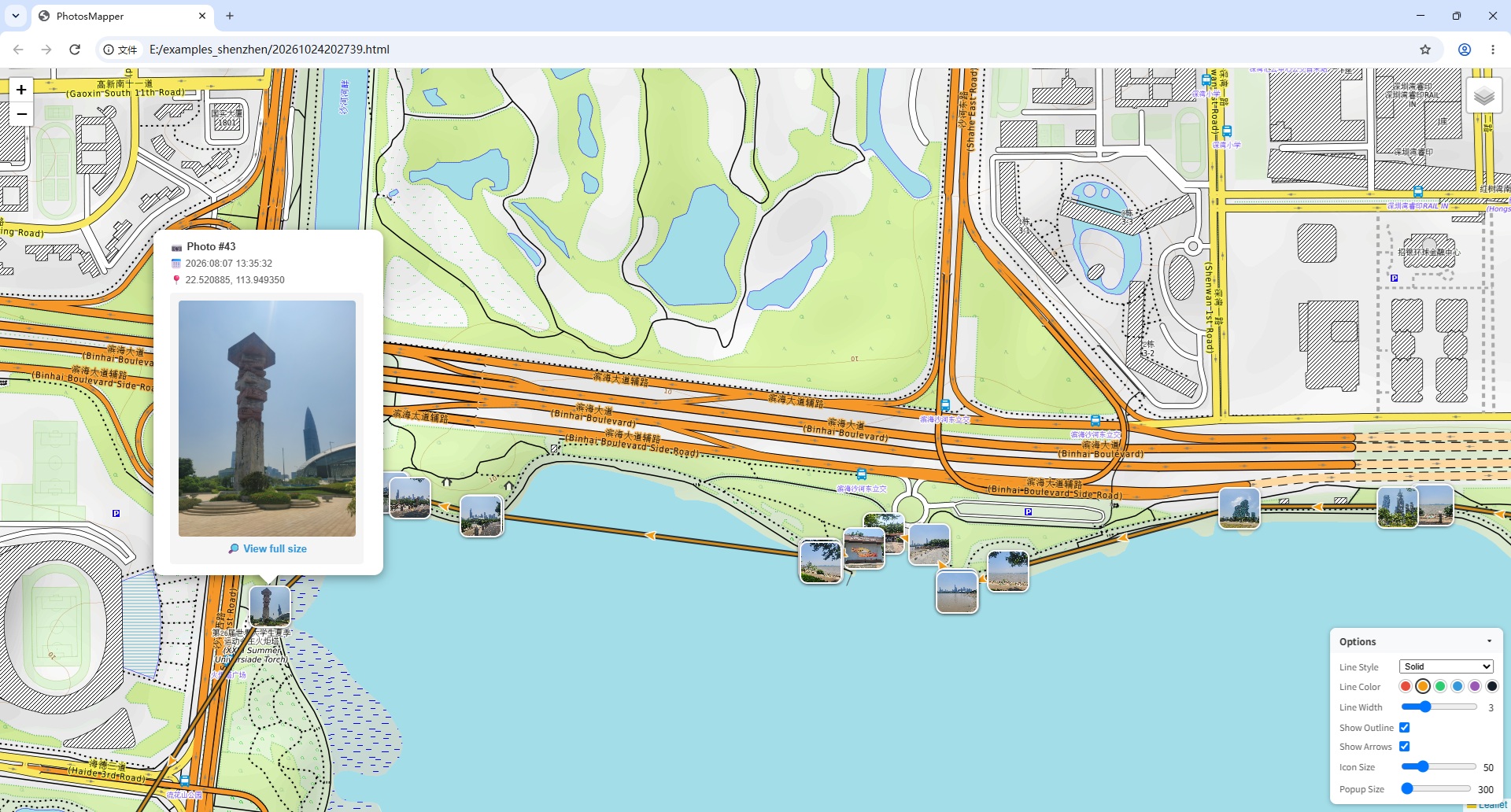
58 photos of a Shenzhen hike
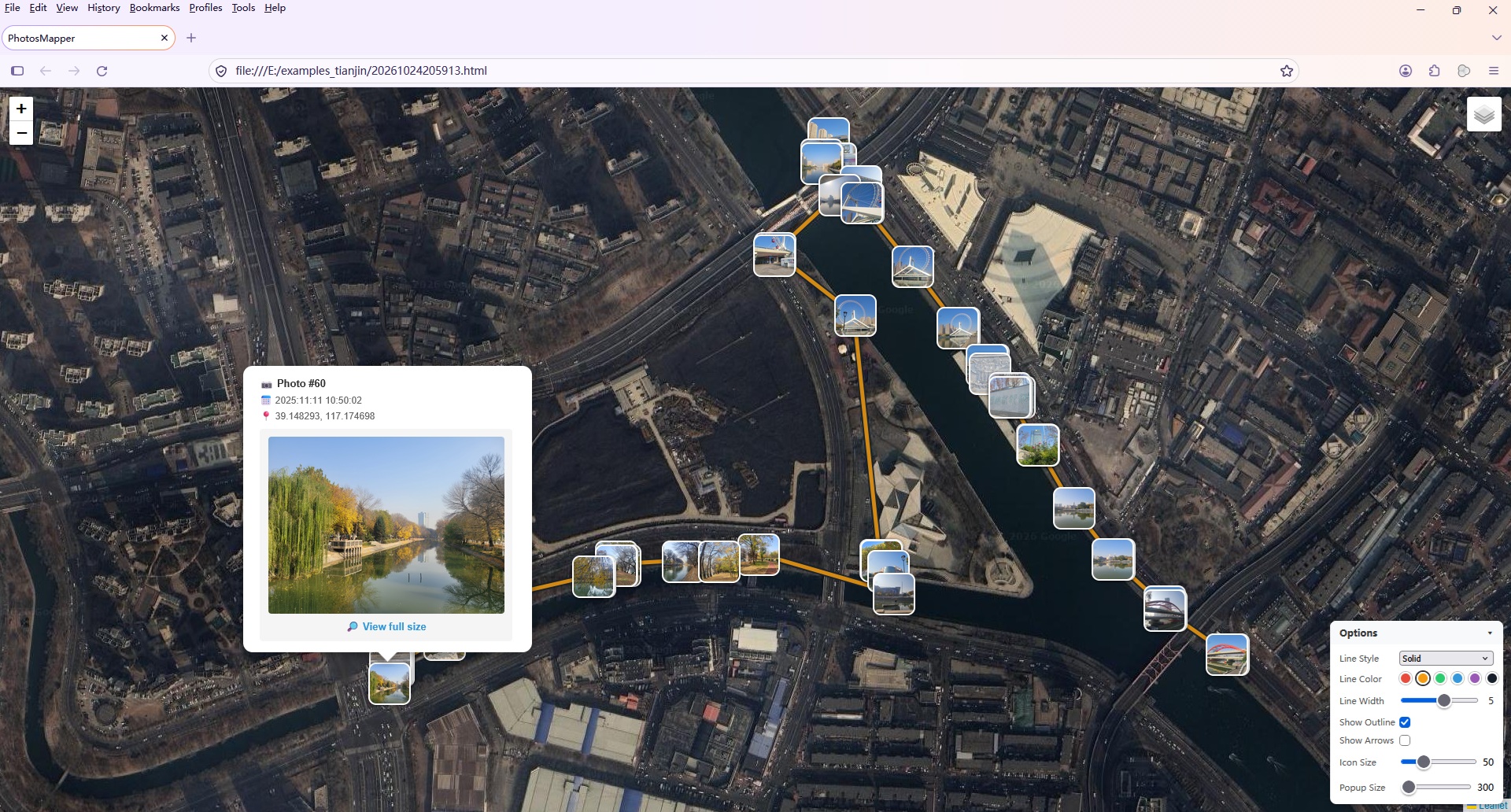
60 photos of a Tianjin hike
Click the images to view them full size. See how they are made →
Buy once, use forever. Free updates for life.
Try everything, no signup
Less than the price of a lunch
Everything you need to know before you start.
No account is needed, and your photos are never uploaded — all processing happens on your own computer. Just one note: the generated album loads online map tiles (like any map website), so an internet connection is needed to view its map.
Photos Mapper creates a single HTML file. Open it in any browser — Chrome, Firefox or Edge — and see your photos pinned on an interactive map of your trip.
The free trial is fully functional and lets you add up to 30 photos per album. A one-time $9.99 license removes the limit forever.
Yes. Photos Mapper reads the latitude and longitude stored inside your photos (EXIF GPS data). Most smartphones add this automatically when location services are turned on — just make sure location is enabled on your camera or phone before you shoot.
Visit the full FAQ page or write to support@photosmapper.com — tech support is free for everyone.
Download the free trial today — your first map album is one click away.
Download Photos Mapper — Free